Editing and building pages in WordPress
12:25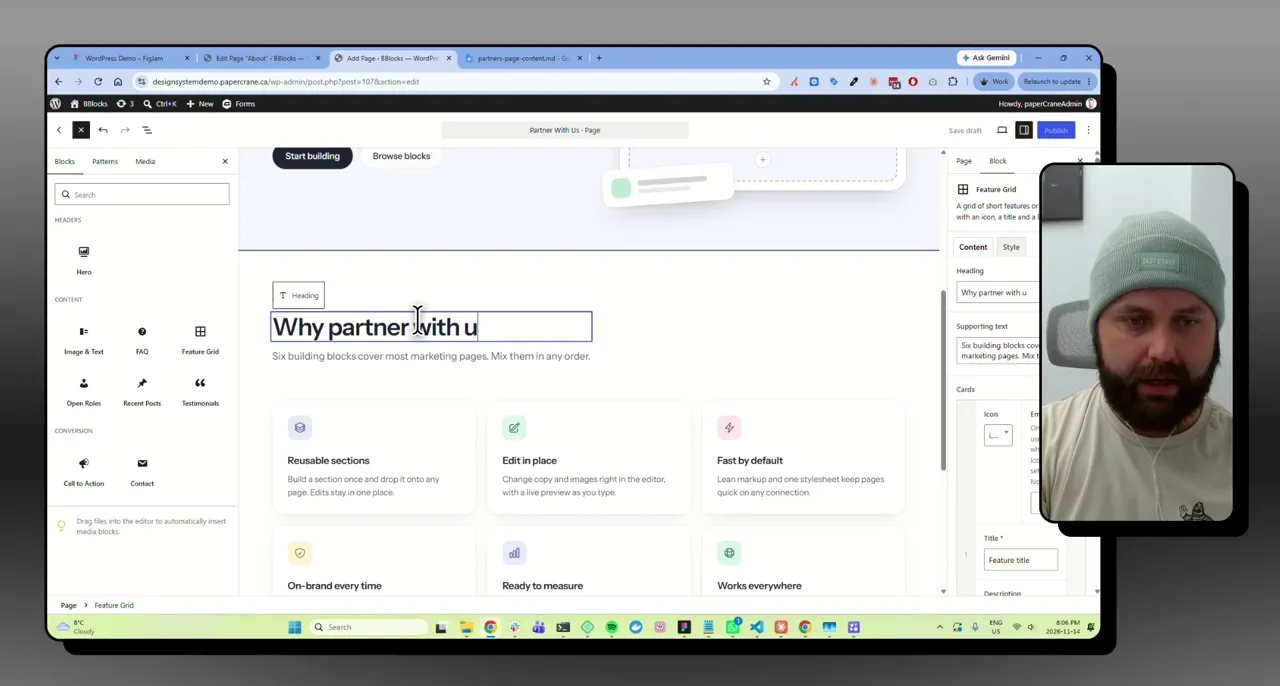
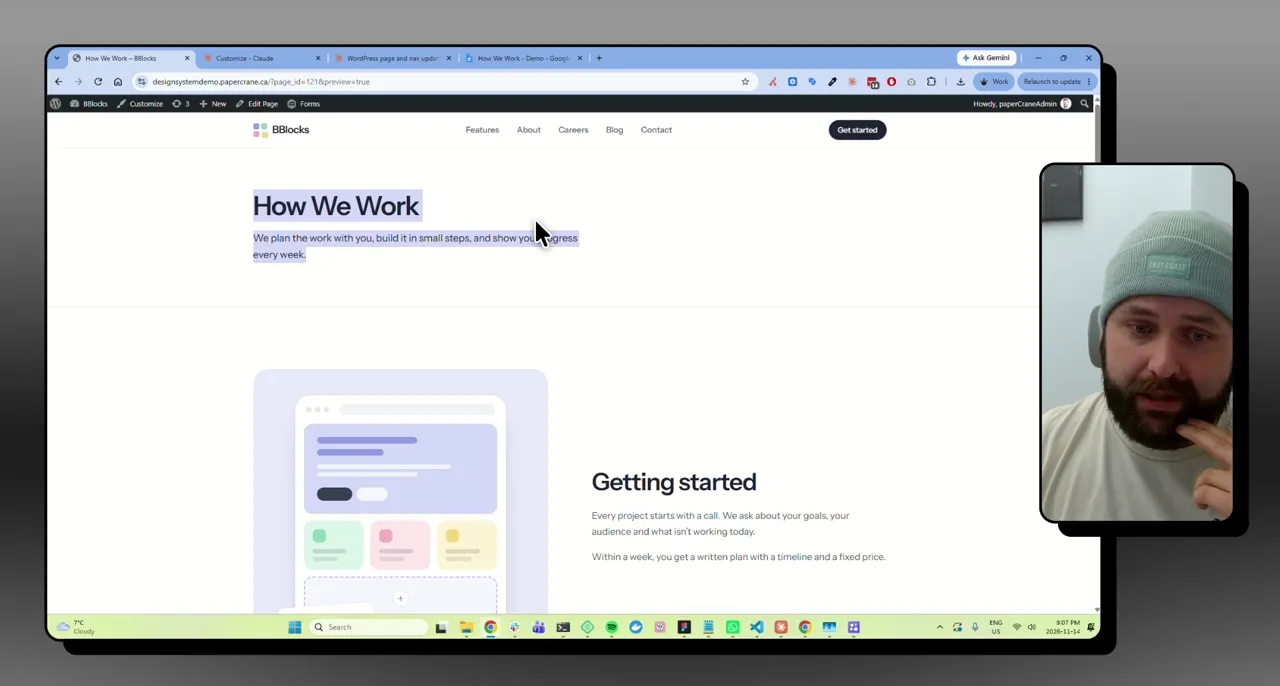
Changing a heading and an image, then building a new page from blocks.
Website editing
Most teams first see their website’s editor on launch day. These demos show you ours before you sign: the screens your team will use and how they build a new page.
There are three ways to set up a website for editing. A hard-coded site turns every page into a fixed form, so a new layout means calling a developer. Page builders like Elementor and Divi give your team a blank canvas. The result is usually slow pages, messy code, poor accessibility and a site that drifts off-brand page by page.
We build a set of blocks for your site instead: a hero, a feature grid, testimonials, a call to action and whatever else your pages need. Your team stacks blocks to make a page and fills in the fields. Every block comes out on-brand, mobile-ready, fast and accessible, whoever is editing.
Hard-coded
Page builder
Blocks (how we build)
We build WordPress sites on Sage, with custom blocks in the standard WordPress editor. Most use two plugins: a forms plugin and Advanced Custom Fields. You own the code and the data, and you can host the site anywhere that runs PHP.
Starting in 2027, all our websites come with a connector that lets AI tools like Claude, ChatGPT, Gemini and Codex work on your site. Give it a spreadsheet of job postings or a Word doc of page copy and it drafts the pages for a person to review and publish. It builds with your site’s existing blocks, and what each person can change depends on their role.
Changing a heading and an image, then building a new page from blocks.
Claude adds job postings from a spreadsheet and builds a page from a Word doc.
We build on Sanity when content has to appear in several places, like a website and an app. Your team edits in Sanity Studio, with a set of blocks made for your site.
We’re recording this demo now.
The same tasks as the WordPress demo, in Sanity Studio.
We’re recording this demo now.
The AI connector working on a Sanity site.
Not by editing. Blocks only take content, so layout, spacing, colours and the mobile view stay as designed.
We build it. A new block is a small development job, and after that anyone on your team can use it.
WordPress suits most marketing sites, especially if your team already knows it. Sanity suits content that appears in several places, like a website and an app. We recommend one in your proposal and say why.
No. You own the code and the content, and you can host the site anywhere that runs it.
The connector saves new pages and posts as drafts, so nothing goes live until someone on your team publishes it. You also decide what each person, and their AI tools, can change.
In a 30-minute call we’ll show you the editor and talk through your project.
Book a callCookies
We use cookies to see how the site is used and to measure our ads. Accept, or decline and we'll keep to the cookies the site needs to work. Privacy policy